
I have received this error several times when trying to run an ASP.NET 2.0 application on a fresh machine:
Server Error in '/Butler/EducationSI' Application.
--------------------------------------------------------------------
Failed to access IIS metabase.
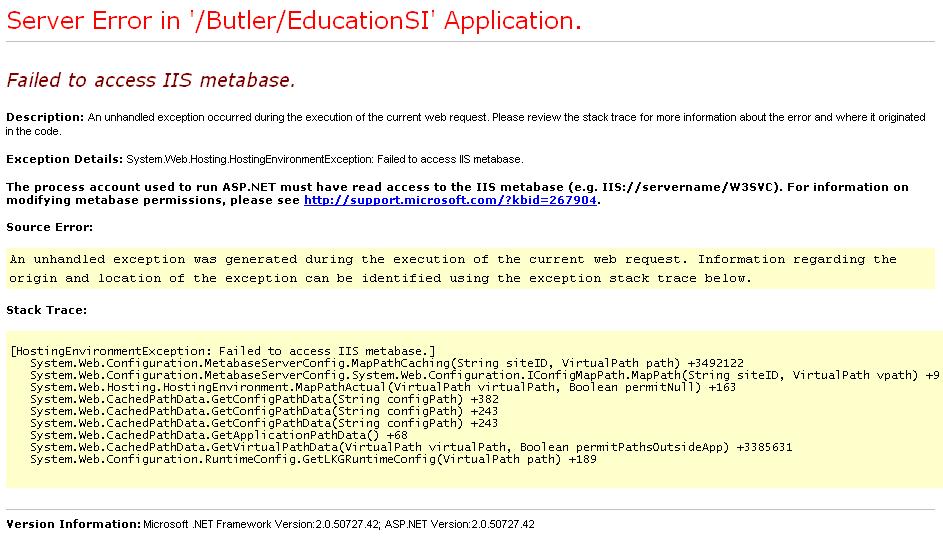
The error normally goes away when reinstalling the .Net Framework 2.0 (it might be sufficient to repair the installation in “Add or Remove Programs” in the Control Panel).
The default for complex types is to just display the type name in the debugger's watch window. Some system types however display the values of one or more properties instead of the type name. What is displayed is configurable which also makes it possible to show more information about user-defined types. This is how it's done:
The example above will display DateTime values as "{2005-4-23 16:2:51}".
In addition to property names, one can also use expressions and method names.
[powered by WordPress.]
jour·nal n. A personal record of occurrences, experiences, and reflections kept on a regular basis; a diary.
36 queries. 0.510 seconds